 Andrew
 You
YouLesson prep
Words, a text and exercises are built from your material or a topic.
Build a lesson from your own materials — PDFs, images and texts — or bring over a board from Miro. Static text and images become interactive in two clicks.
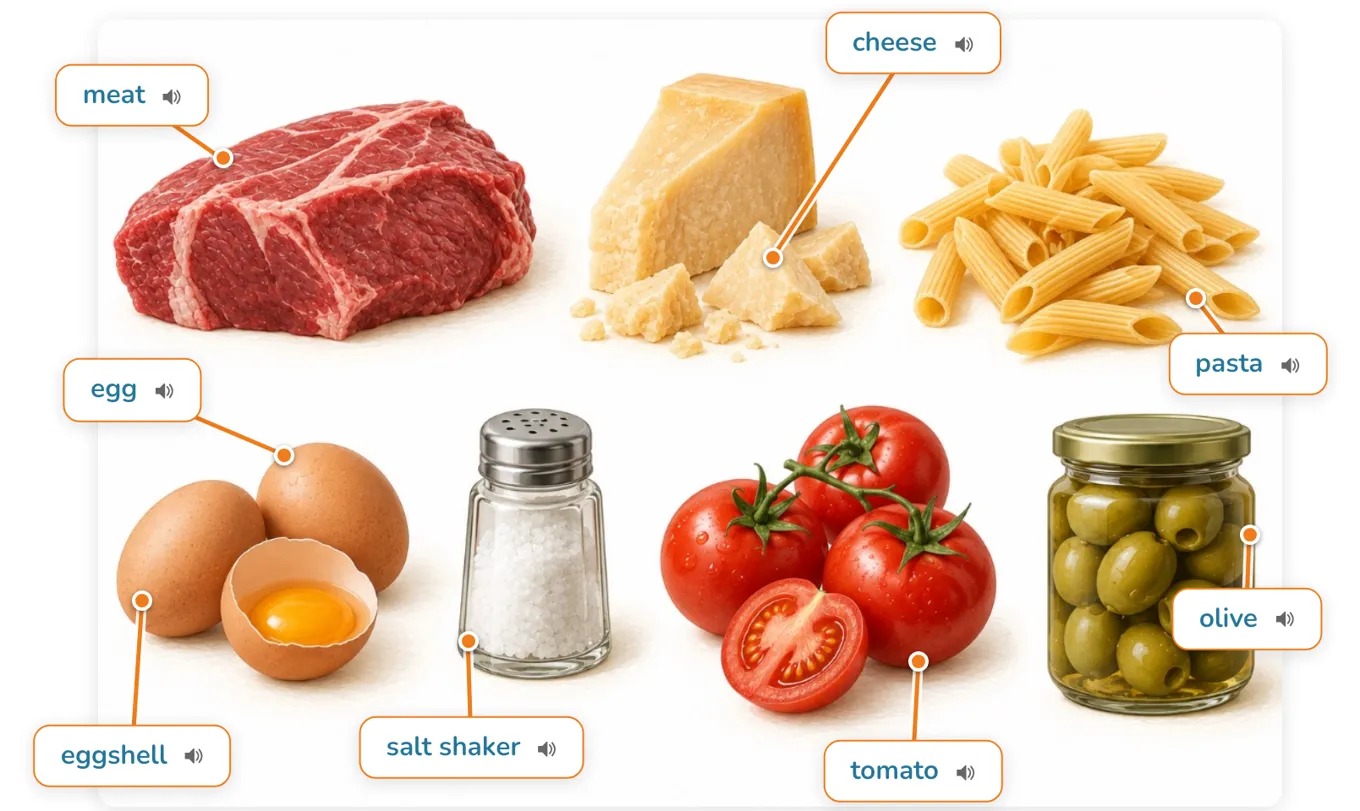
Use ready-made materials and lessons from the library, put exercises together in the builder, and generate images for any topic in seconds.
CoolPan collects every student’s results: words and phrases, and the mistakes in each exercise. One button turns those mistakes into homework for practice.
The video call runs inside the platform, and you and your student share one synced workspace. The student follows you and sees the same interactive materials, exercises and whiteboard as you — and can work in them: read texts, open cards, do exercises. Add grammar materials to the lesson, and auto-checking shows you the student’s mistakes instantly, so you can go over them together.
No more juggling a dozen tabs and websites. Create lessons, track progress, check homework with AI recommendations. You see each student’s gaps and know what needs more practice.
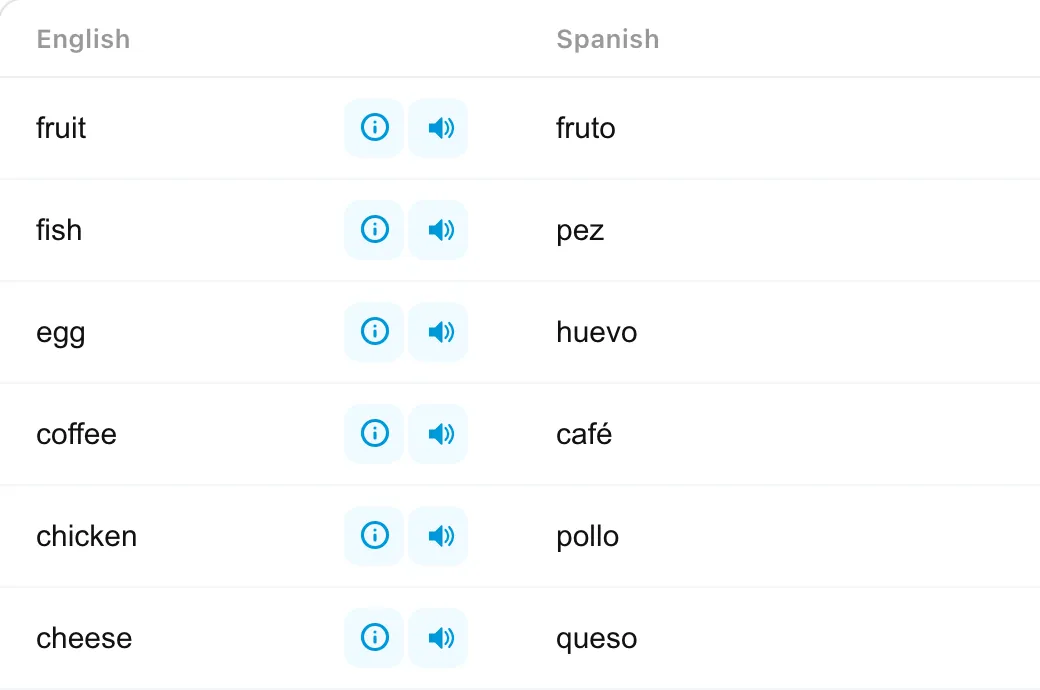
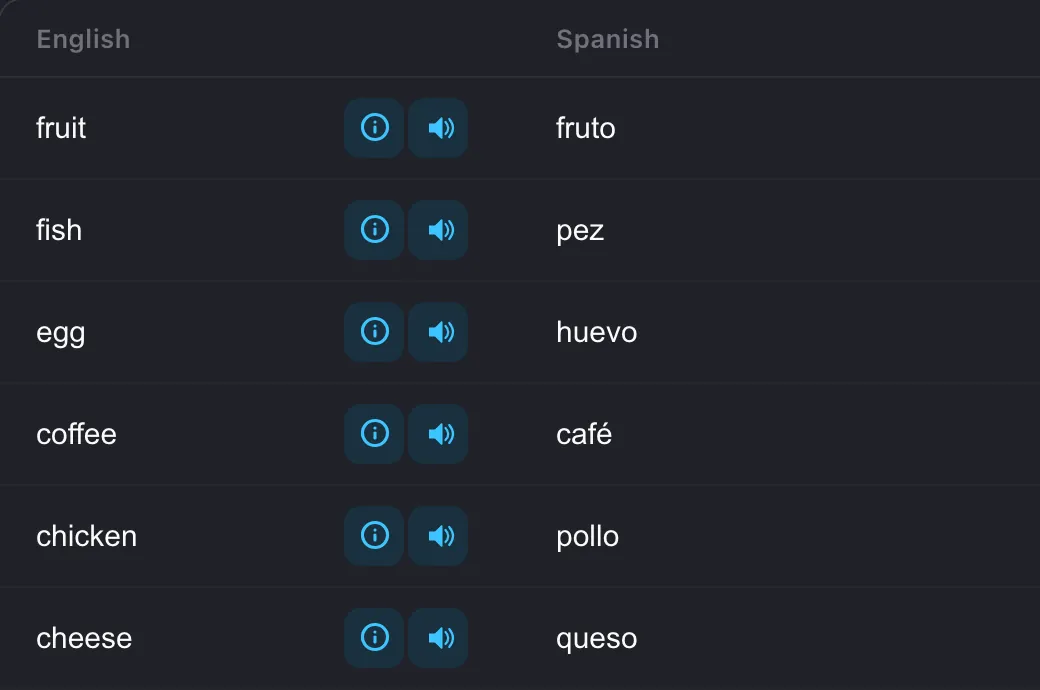
Lessons, words and homework open in the browser on a computer, tablet or phone. Your lesson calendar and all your students’ results are on one page.
CoolPan takes care of lesson prep and grading.
Words, a text and exercises are built from your material or a topic.
It checks itself: you see the result and every mistake.
The student’s mistakes become a practice exercise.
How much time you save depends on your tasks and how you use the platform.
Add ready-made materials or homework to a lesson as they are, or adapt them to your student.
Tailor the format to each student.
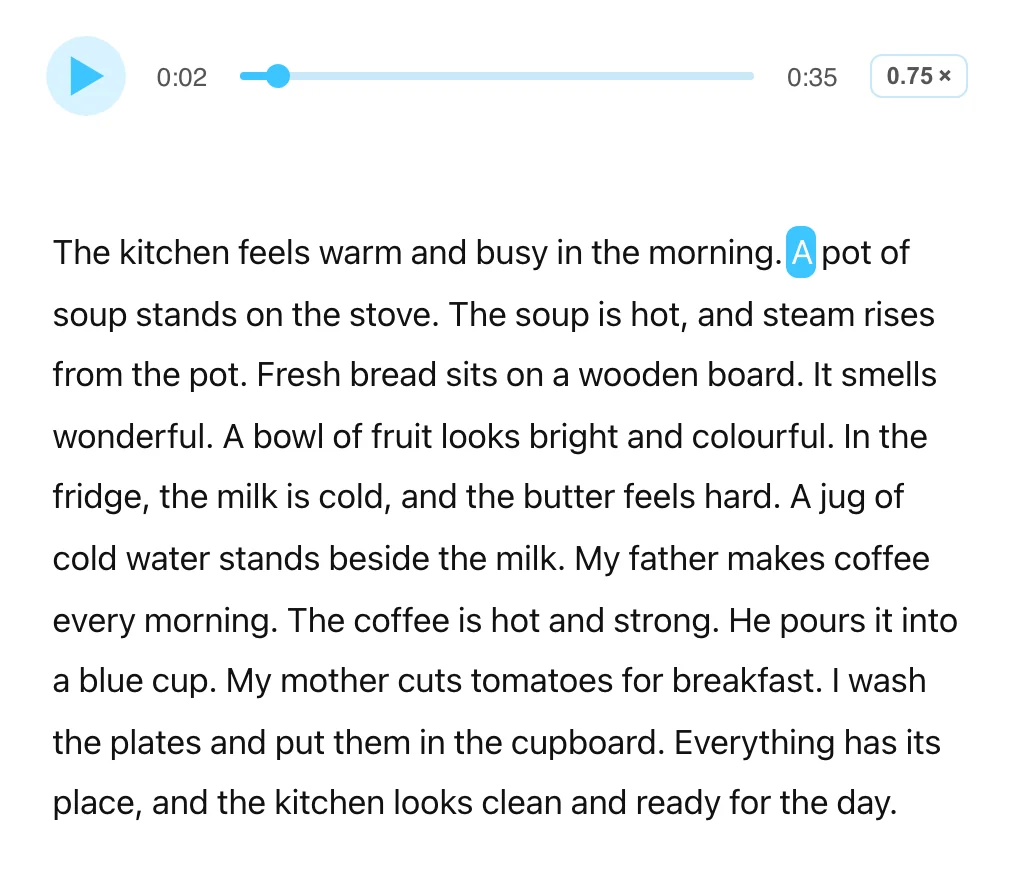
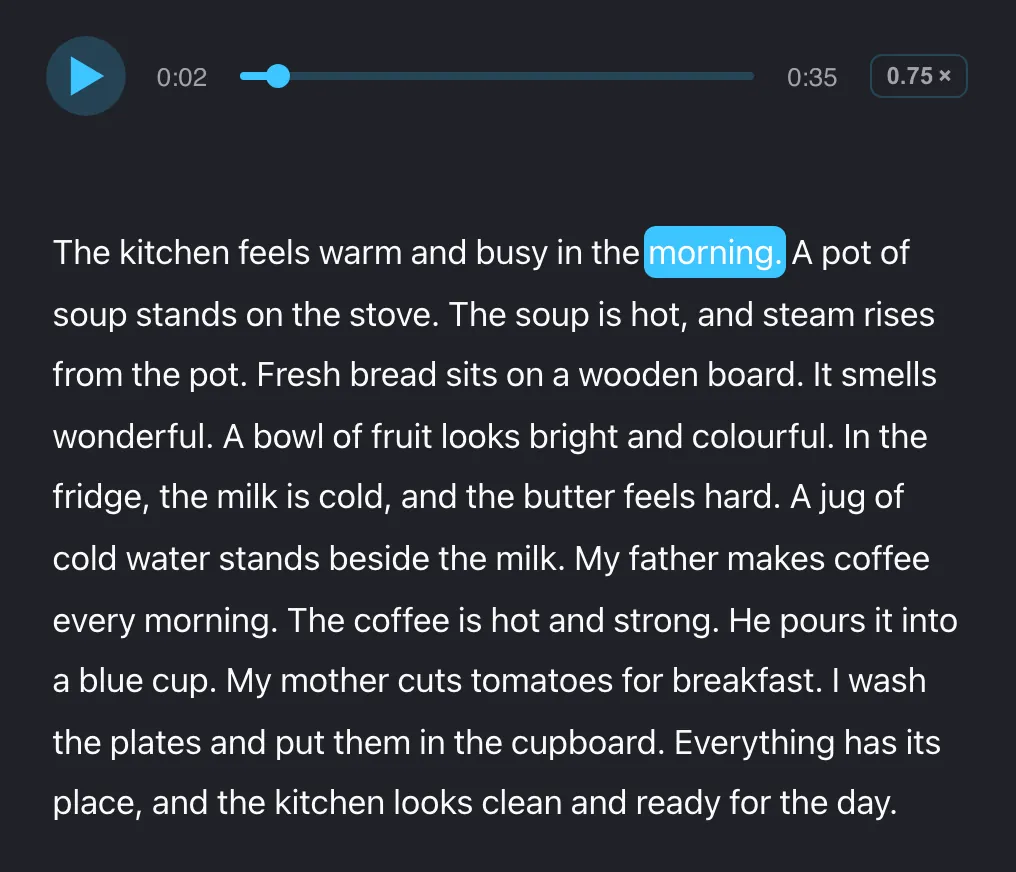
Slow the audio down to 0.75× when a student needs to hear every word.
In exercises, a hint opens with a tap.
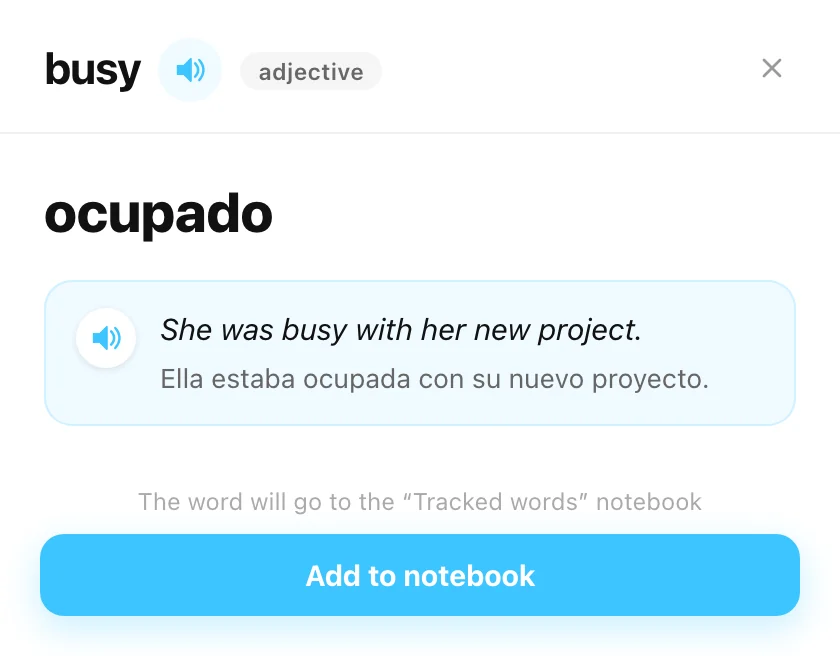
Lesson words come back for review on their own, and the mistakes turn into a practice exercise.
Unlimited lessons and homework; AI features have daily limits. CoolPan is always free for your students.
Teach groups or run an online school? Get in touch — we’ll work out special terms.
Add a student and send them an invite link. They open it, accept the invitation — and your lessons appear in their CoolPan.
No. The student opens CoolPan in the browser on a computer or phone.
Yes. Upload a photo or a PDF, and AI turns it into a text, a word notebook, a gap-fill or picture labels. Paste in your own texts, bring over boards from Miro, attach any files to a lesson.
You can teach any language. Ready-made library materials are mostly in English for now, and the list is growing. Students see translations in English, Spanish, Hebrew or Russian; the interface is in the same four languages.
No credit card, no app to install.