 Andrew
 You
YouLesson prep
Words, a text and exercises are built from your material or a topic.
Add your own text, pick a topic or start from a ready-made lesson in the library. CoolPan translates every word, adds audio and nikud (vowels), and builds the exercises.
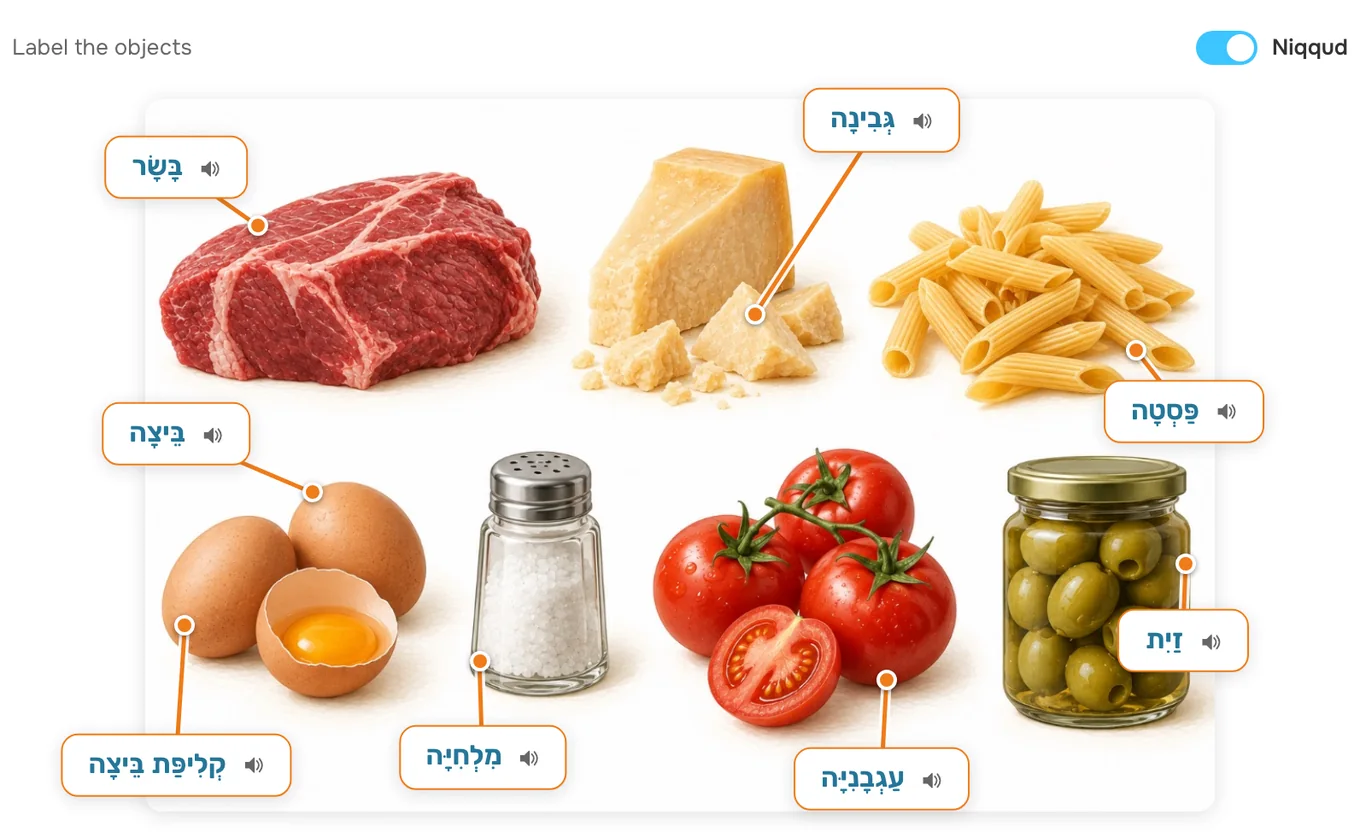
Put exercises together in the builder and generate images for any topic in seconds.
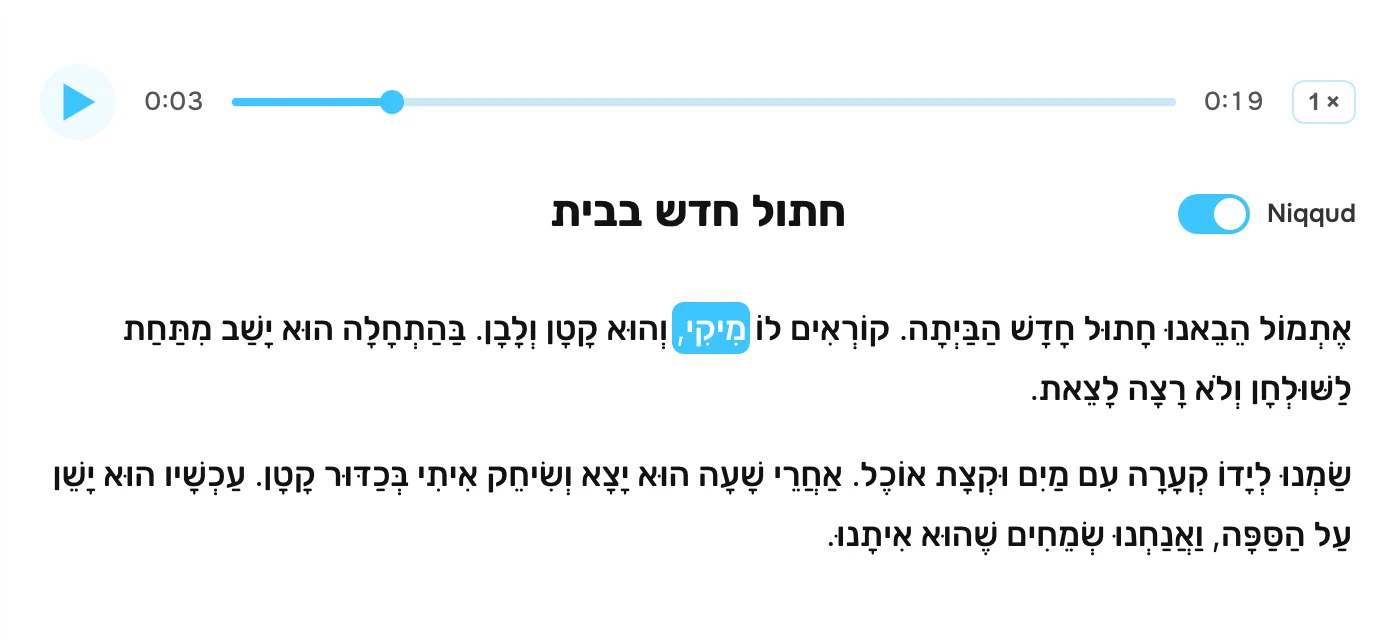
אֶתְמוֹל הֵבֵאנוּ חָתוּל חָדָשׁ הַבַּיְתָה. קוֹרְאִים לוֹ מִיקִי, וְהוּא קָטָן וְלָבָן.
אתמול הבאנו חתול חדש הביתה. קוראים לו מיקי, והוא קטן ולבן.
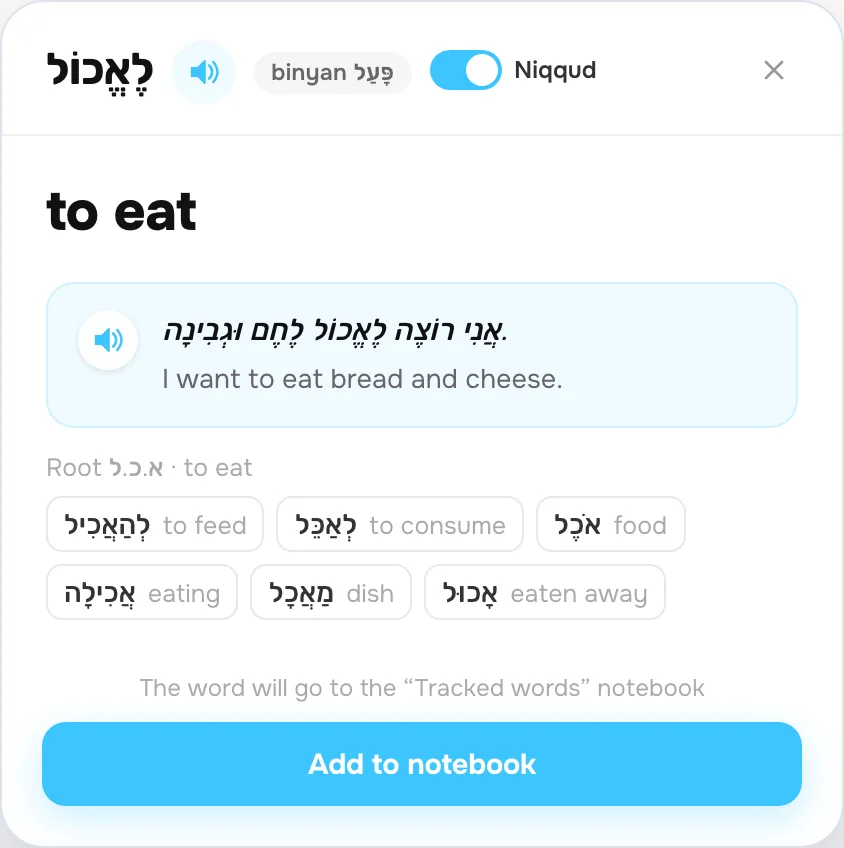
CoolPan collects every student’s results: words and phrases, and the mistakes in each exercise. One button turns those mistakes into homework for practice.
The video call runs inside the platform. The student follows you, sees the same exercise as you and answers right in it — with a Hebrew keyboard on screen. You go over grammar and mistakes on the spot. Add YouTube videos and work on a shared whiteboard during the lesson.
No more juggling a dozen tabs and websites. Create lessons, track progress, check homework with AI recommendations. You see each student’s gaps and know what needs more practice.
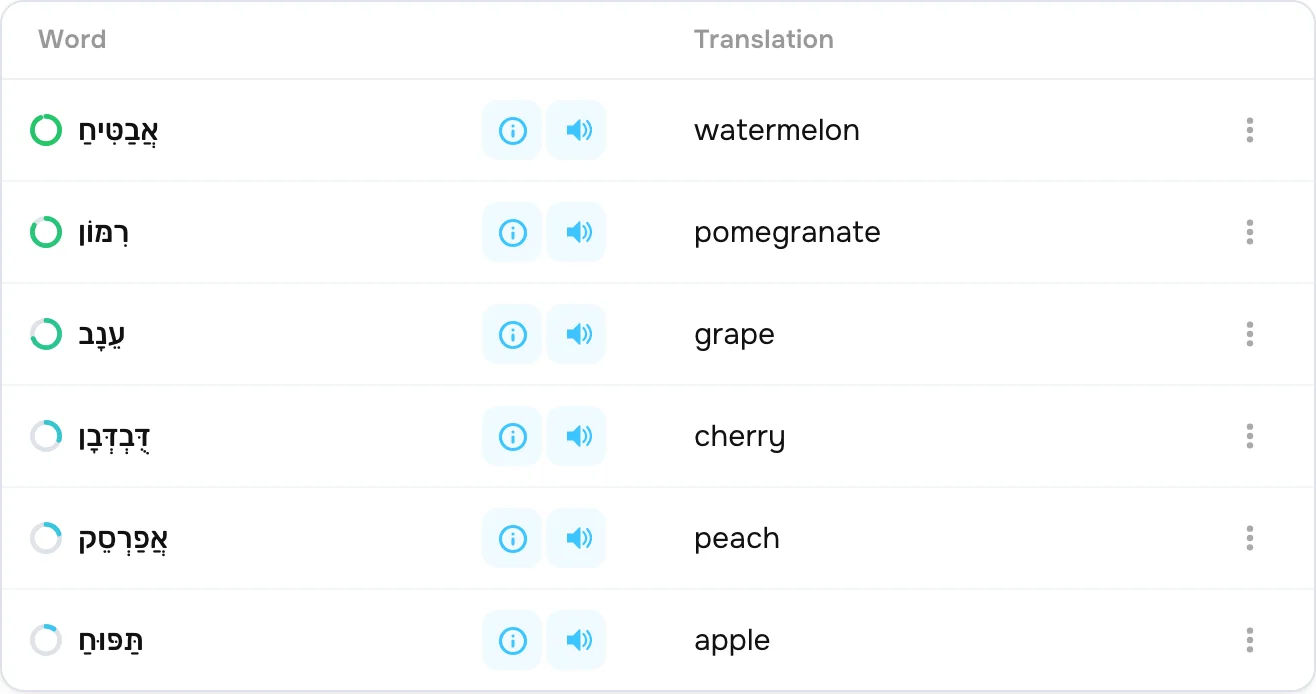
No app to install: lessons, words and homework open in the browser on a computer, tablet or phone. Your schedule and all your students’ results are on one page.
Prepare lessons and grade your students’ work faster.
Words, a text and exercises are built from your material or a topic.
It checks itself: you see the result and every mistake.
The student’s mistakes become a practice exercise.
How much time you save depends on your tasks and how you use the platform.
Share ready-made materials with a student as they are, or use them as a basis for your own lesson.
Personalize the learning format for every student.
Slow the audio down to 0.75× when a student needs to hear every word.
In exercises, a hint opens with a tap.
Lesson words come back for review on their own, and the mistakes turn into a practice exercise.
Unlimited lessons and homework; AI features have daily limits. CoolPan is always free for your students.
Teach groups or run an online school? Get in touch — we’ll work out special terms.
No. The student opens the link in the browser on a computer or phone. No Hebrew keyboard layout needed either — a keyboard appears on screen.
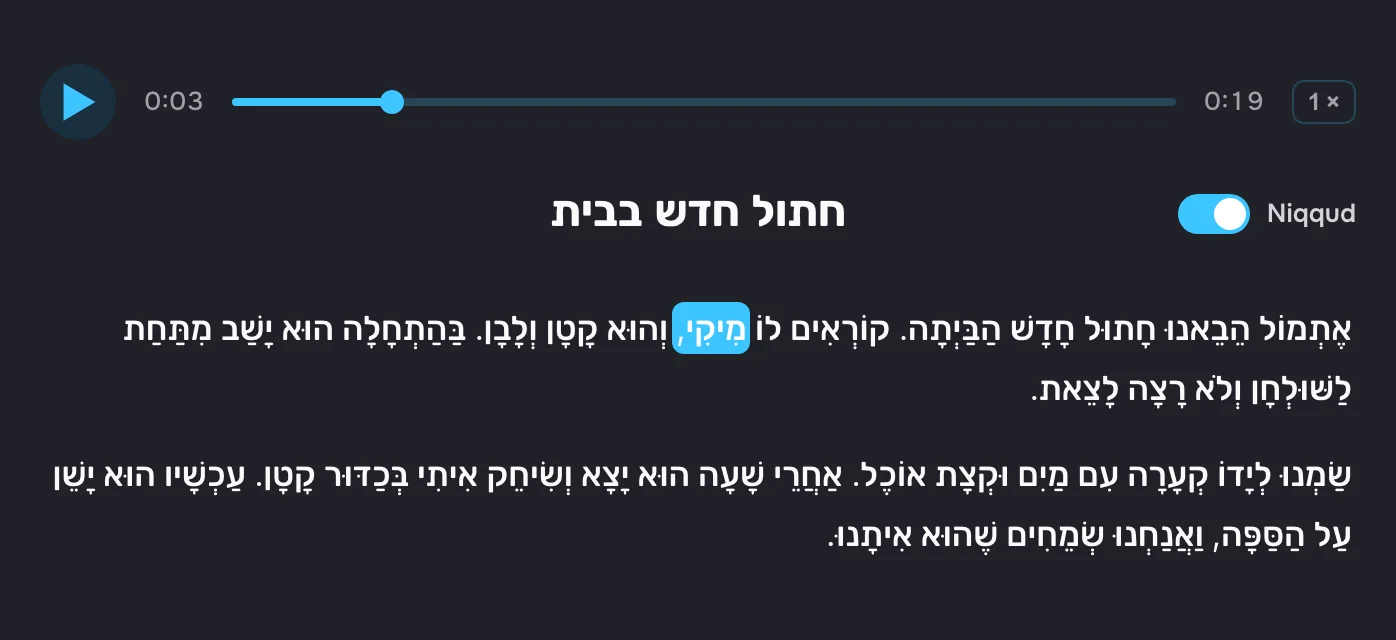
Whichever each student prefers: nikud turns on with one button right in the text. No need to rework the lesson.
Yes. Paste in your text — words, translations, audio and nikud are added automatically.
In CoolPan: the video call, screen sharing and exercises are in one window. No separate app needed.
No credit card, no app to install.