Learn Hebrew and remember the words
Read and listen to texts at your level — with or without nikud (vowels). Tap any unfamiliar word for its translation, root, example and audio. Save new words to your notebook and review them on schedule until they stick.
Free · No credit card · Interface in English
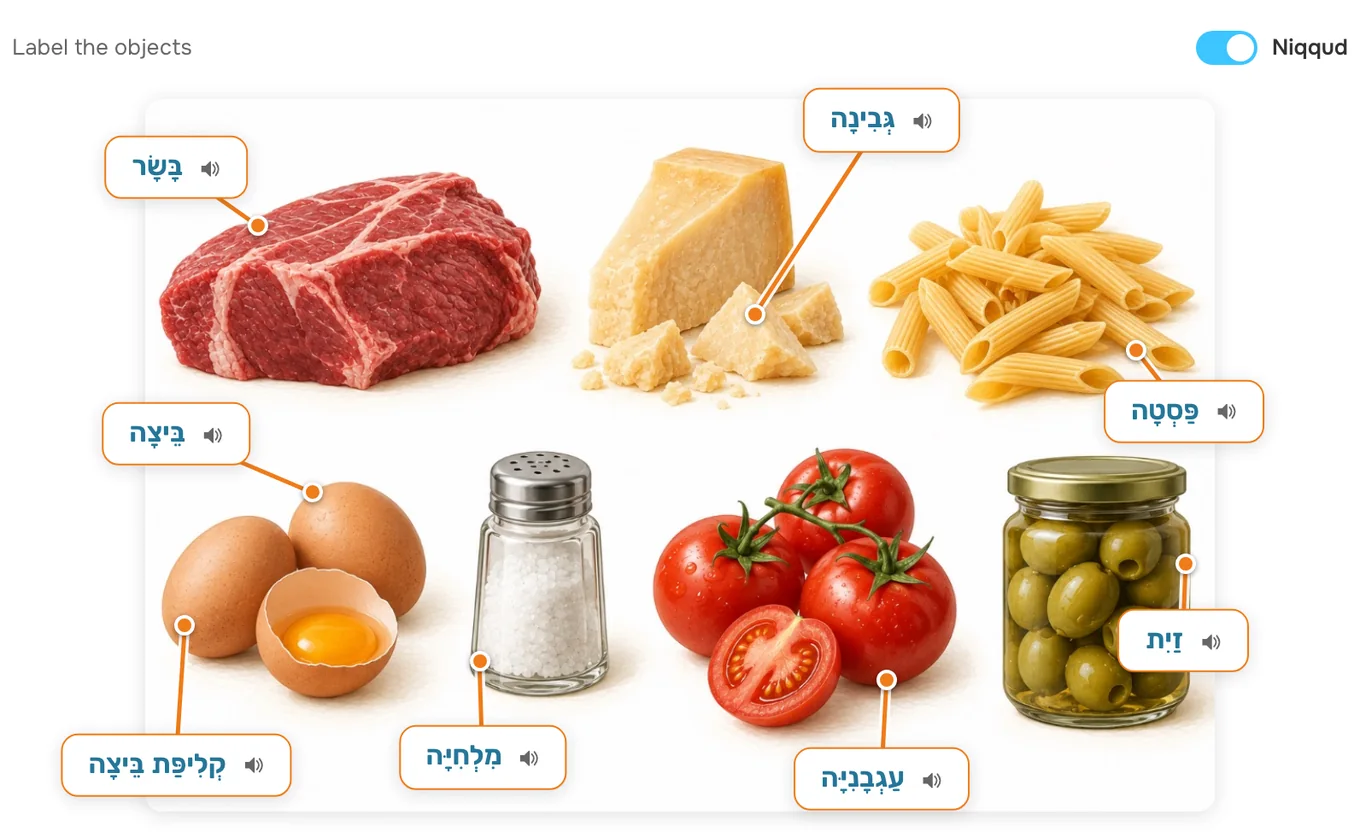
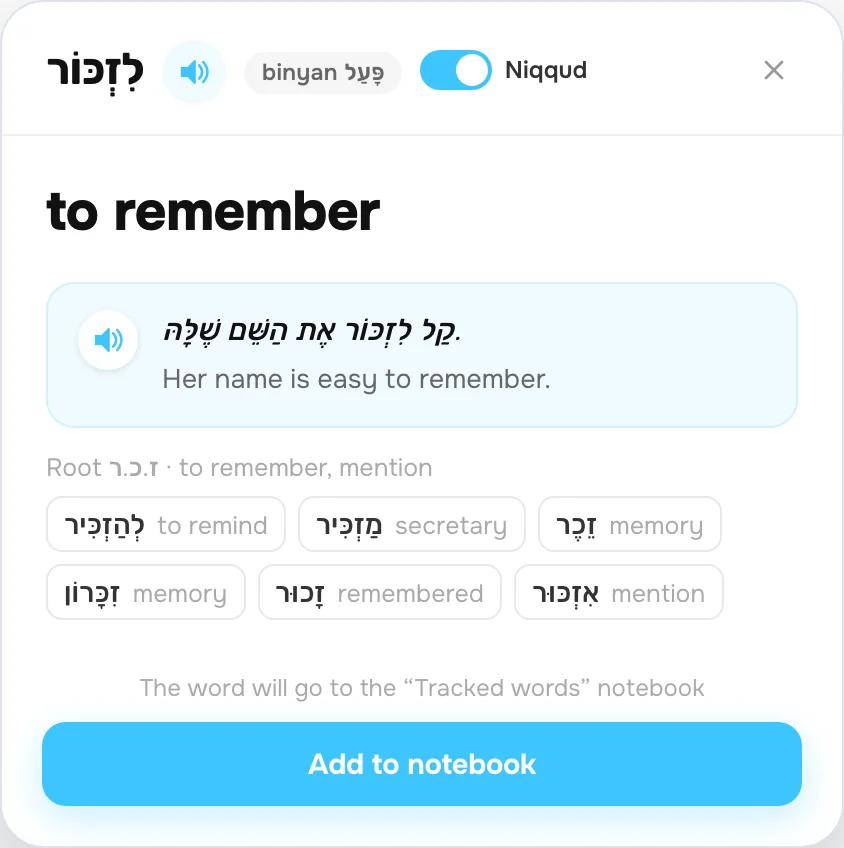
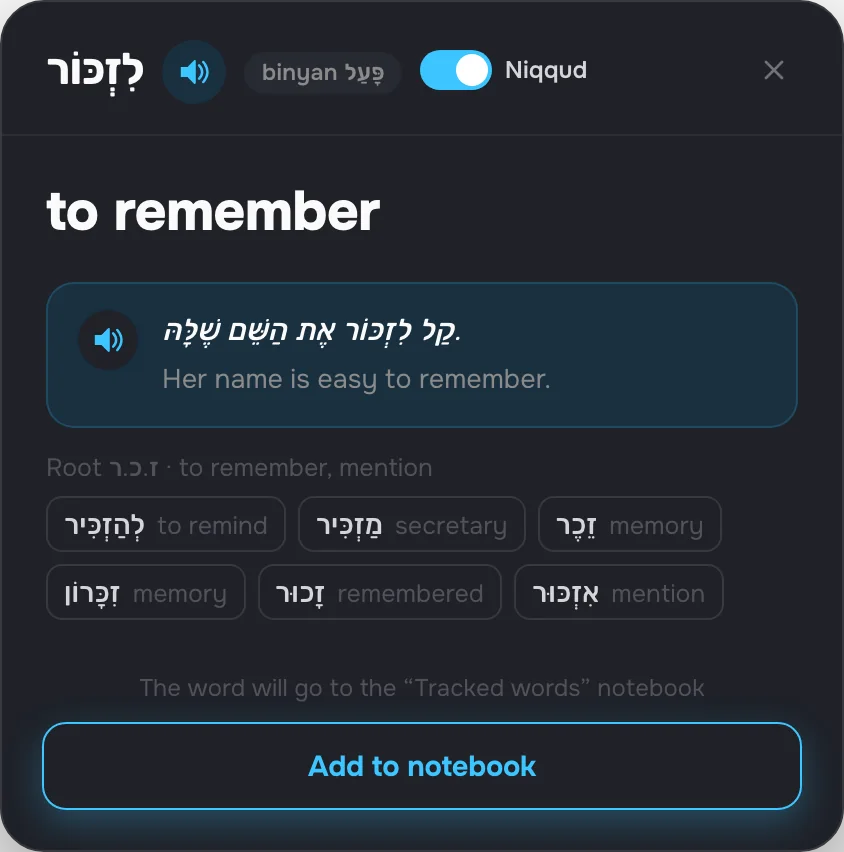
- Nikud with one button
- Texts with audio
- Root and binyan on every card
- Hebrew keyboard
- Spaced review
CoolPan knows what makes Hebrew different
Nikud, roots, binyanim and right-to-left writing — the materials are built around the way Hebrew works.
אֶתְמוֹל הֵבֵאנוּ חָתוּל חָדָשׁ הַבַּיְתָה. קוֹרְאִים לוֹ מִיקִי, וְהוּא קָטָן וְלָבָן.
אתמול הבאנו חתול חדש הביתה. קוראים לו מיקי, והוא קטן ולבן.
- Nikud with one buttonIn texts, word cards, notebooks and exercises. Start with nikud, and once your eyes adjust, simply turn it off.
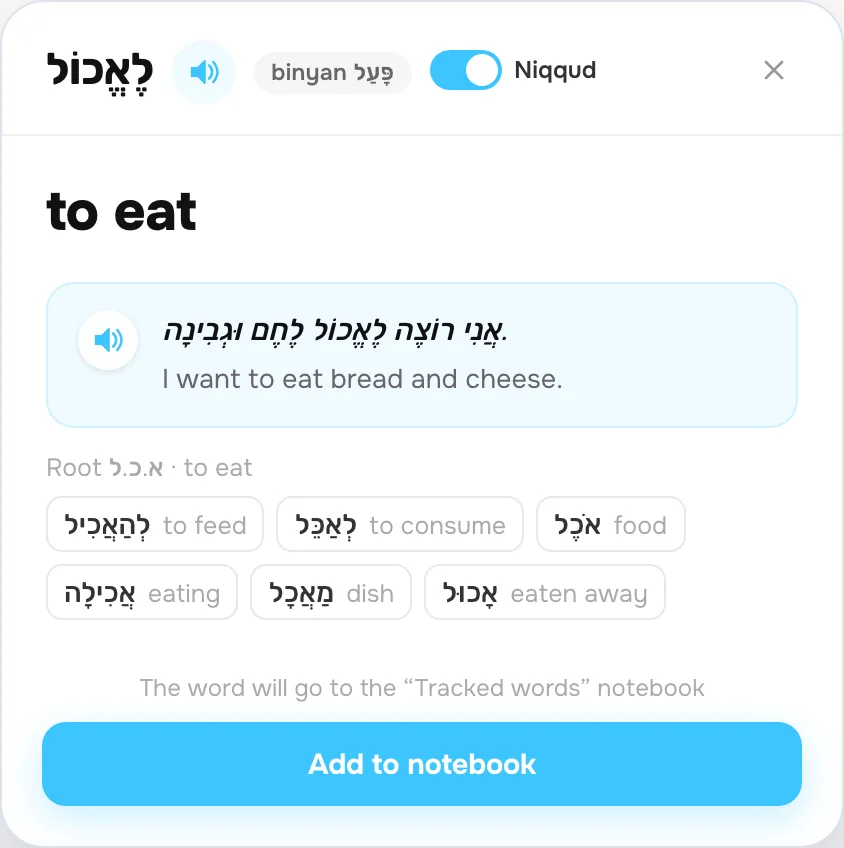
- The root and words from the same rootThe word card shows the word’s root with its meaning and other words from that root. You can jump between them without closing the text or the exercise.
- The verb’s binyanJust like in ulpan: a verb’s card names its binyan, for example פִּעֵל.
- Hebrew keyboardIn exercises where the answer is written in Hebrew, a keyboard appears on screen. No need to add a Hebrew layout to your computer.
Learn the way that suits you
Read, listen, save new words and come back to them in short exercises.
Read with or without nikud
Each word lights up as it’s spoken. Tap a word you don’t know to see its translation, an example and pronunciation.
There’s a switch in every text, card and exercise.
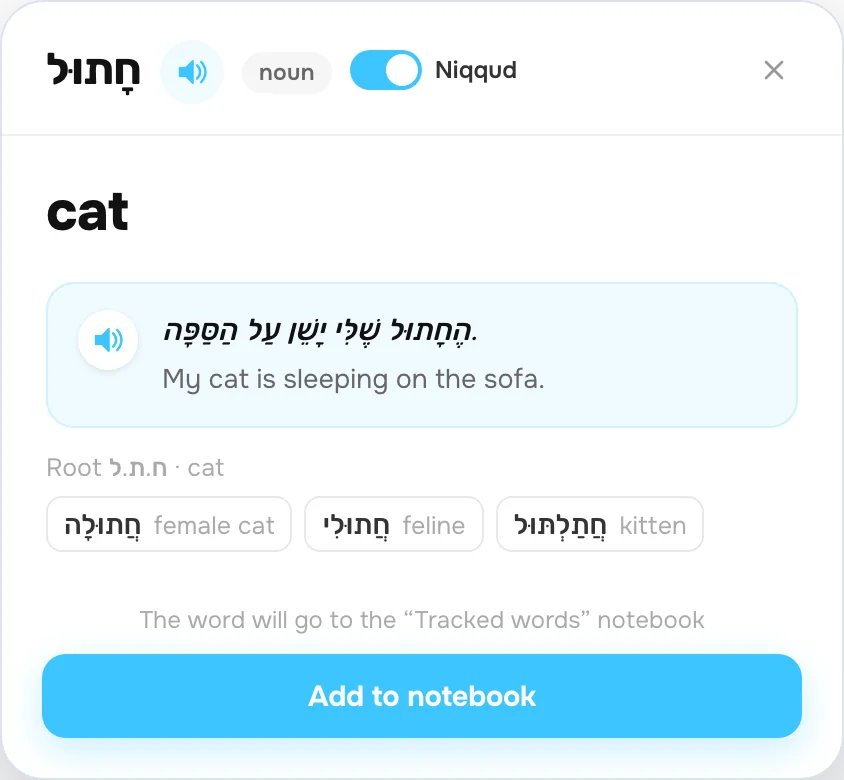
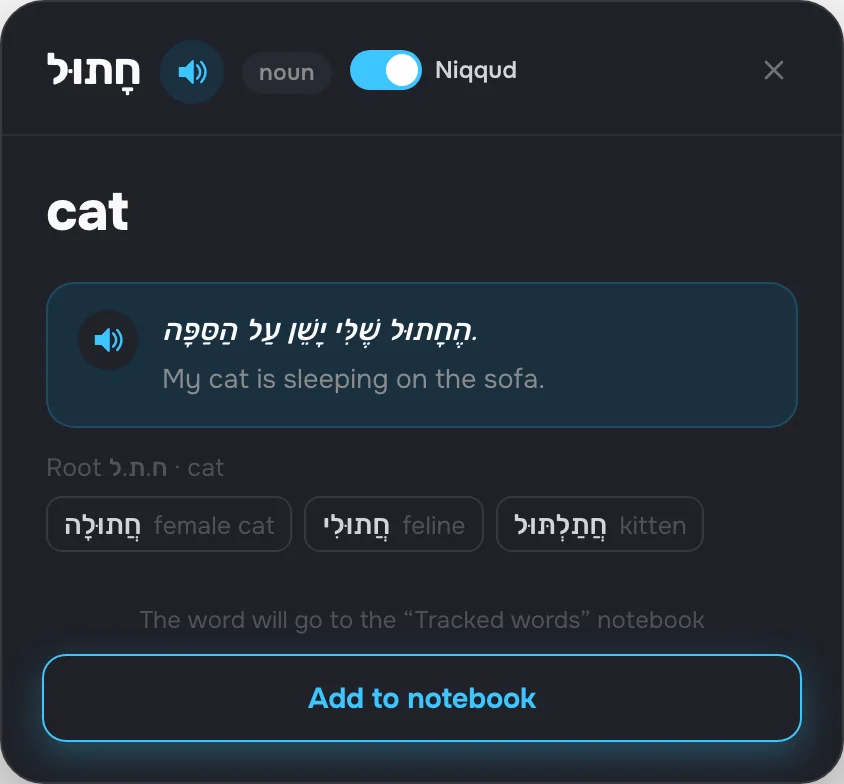
Save words to come back to them
Add new words to your notebook with a translation and an example. Review them in short exercises with a built-in Hebrew keyboard.
CoolPan tells you which words are due for review and makes a plan for today.
Test yourself on the text
Every text comes with questions and a gap-fill. Or name your own topic and AI picks the words and exercises.
Want more control? Pick what to learn and which exercises to do.
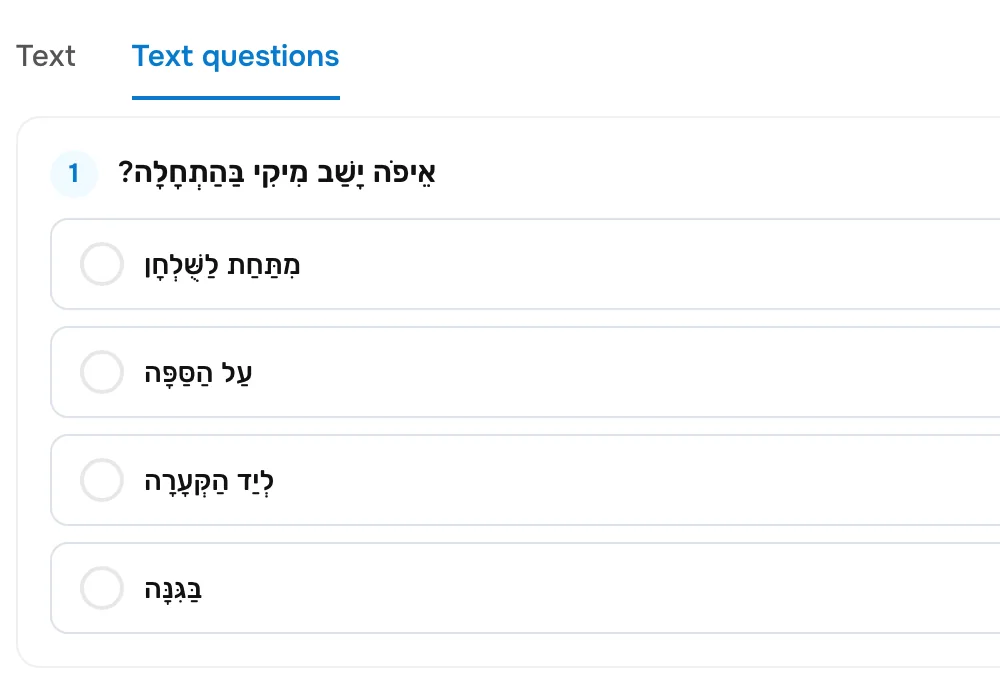
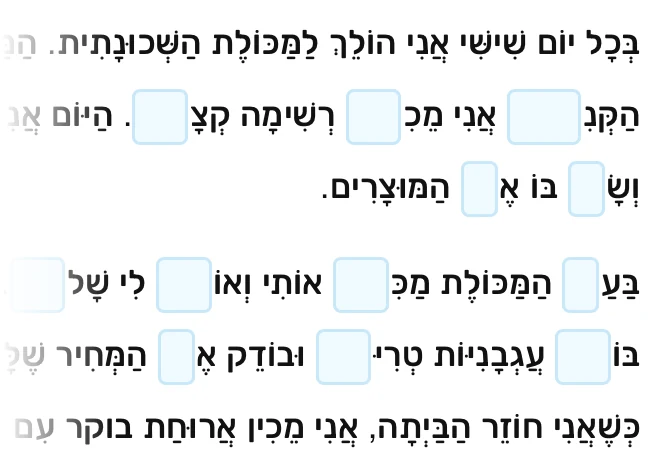
Learn verbs from short videos
The library has sets of verbs on video: every action has its own short clip, with no words. Watch, remember and do the exercises.




- All verbsThe whole set on one page: clip, verb, translation and example.
- Guess the actionWatch the clip and pick the right verb from four options.
- What are they doing?Put the verb into a sentence about what happens in the clip.
Pick something ready-made or create your own
Read texts, put together topic notebooks and create exercises for your level and goal.
Learn on your own or with a teacher
Set a topic and a level, create exercises and work through them at your own pace. If you need a teacher, CoolPan has lessons, video calls and an online whiteboard.
Studying with a teacher?
If your teacher uses CoolPan, they’ll send you a link — lessons, words and homework open in your browser. If not, tell them about CoolPan.
For teachers →Start for free
CoolPan is free — all tools included. No app to install: study in the browser on your phone, tablet or computer.
AI features have daily limits.
Start for freeFAQ
I don’t know the letters. Can I start?
Yes: nikud is on from the start, and you can tap any word in a text to hear it. When you sign up, choose the level “From scratch — I don’t know the letters”.
Do I need a Hebrew keyboard layout?
No. In exercises where the answer is written in Hebrew, a keyboard appears on screen.
Do all texts have nikud?
CoolPan adds nikud to every text automatically. If a word can’t be vocalized, it’s left as written.
How much does CoolPan cost?
CoolPan is free. AI features — topic notebooks, images and exercises for texts — have daily limits.